Use cases
Every shot your catalogue needs
From on-model fashion imagery to packshots, ghost mannequin shots and photorealistic renders from sketches, here is what teams actually use Magnifiq for.
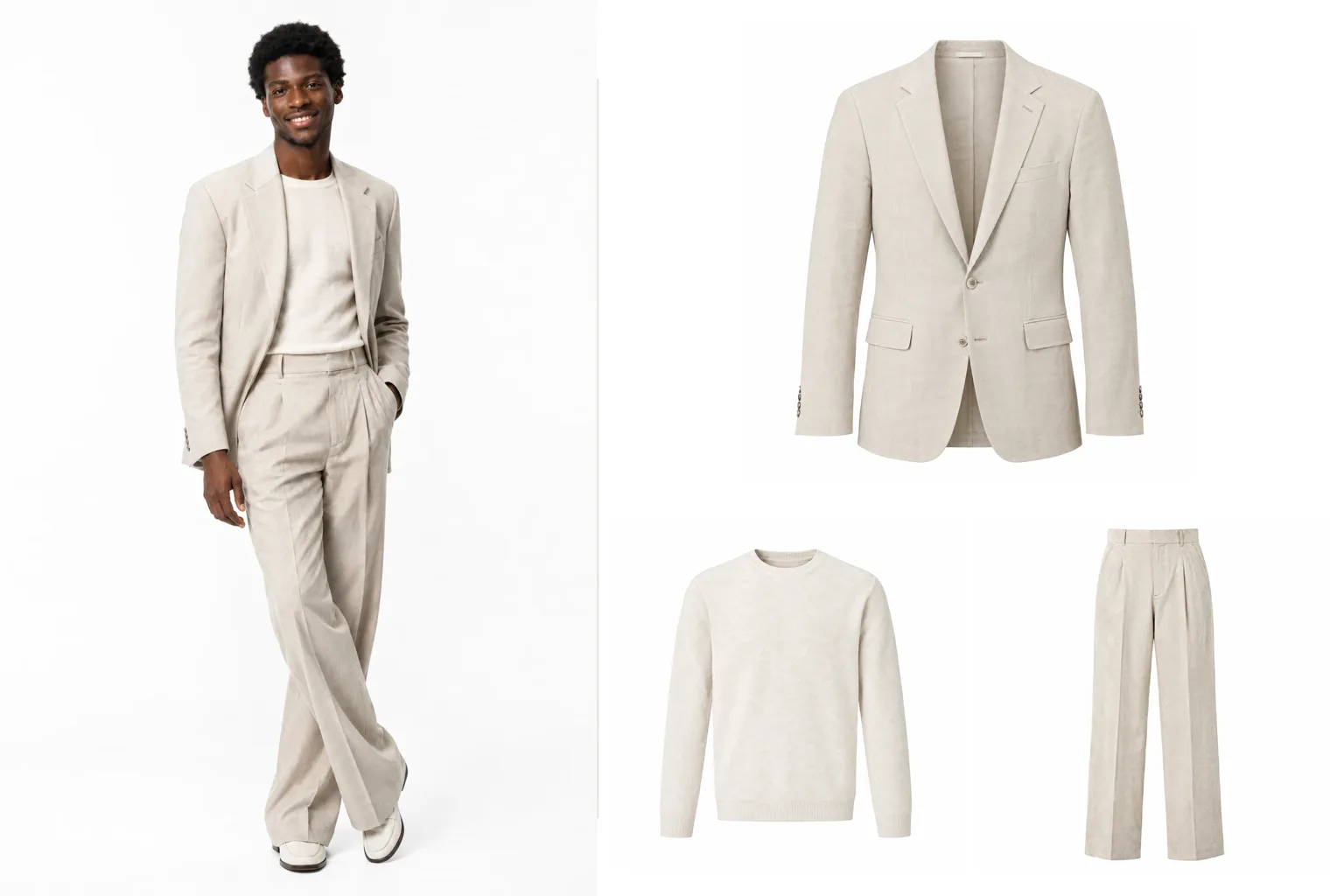
Packshots From Outfit Photos
Turn one on-model or lookbook photo into a clean product image of every garment in it: studio, flat, ghost mannequin, hanger or mannequin, one packshot per piece you tick.
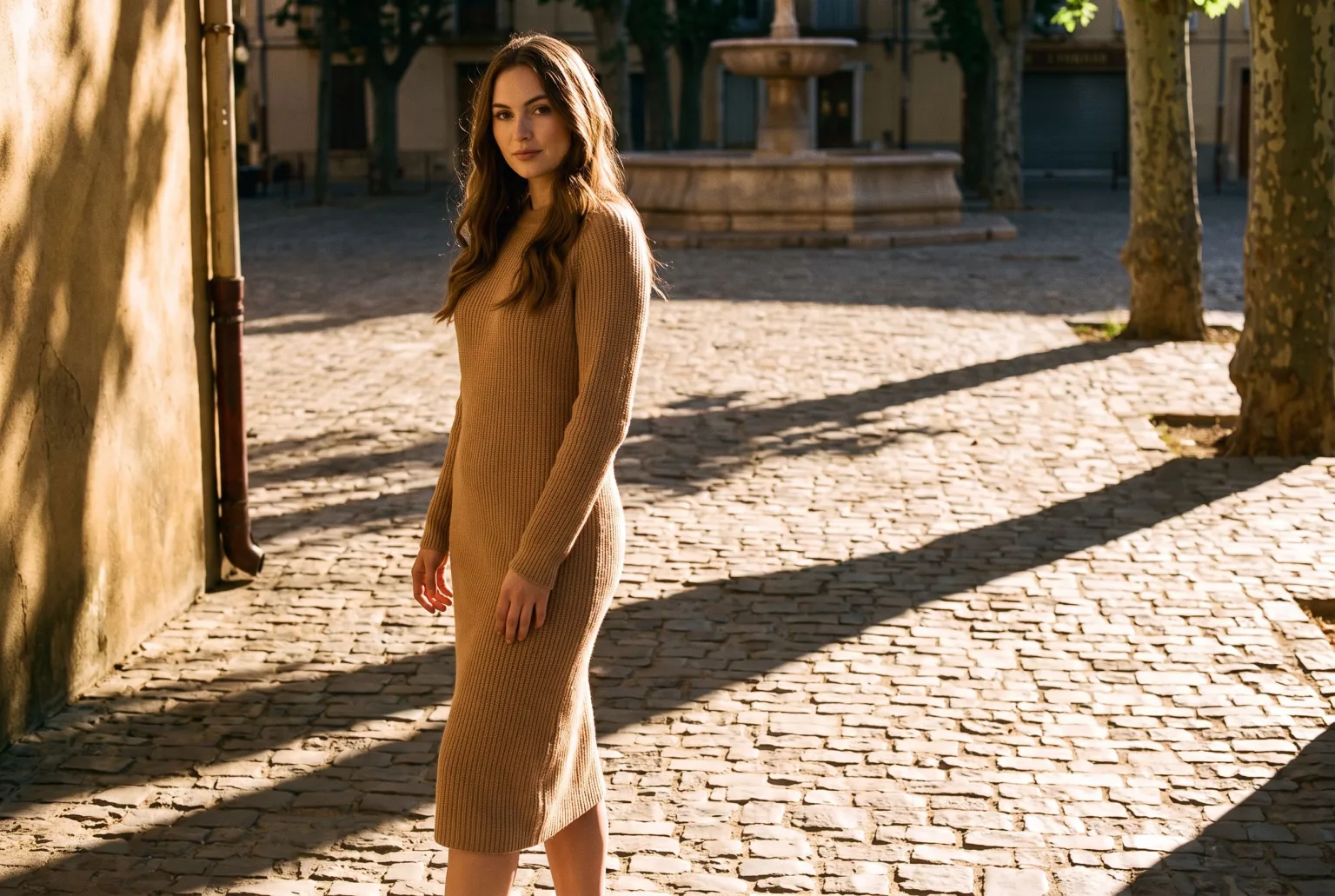
Blend Into Scene: Outdoor Product Photos That Do Not Look Pasted In
The cut-out look is what gives a composited photo away. Blend Into Scene matches the shadows, light direction, depth of field and colour grade of the surrounding scene so the subject belongs in it. Same references, same prompt, one toggle.
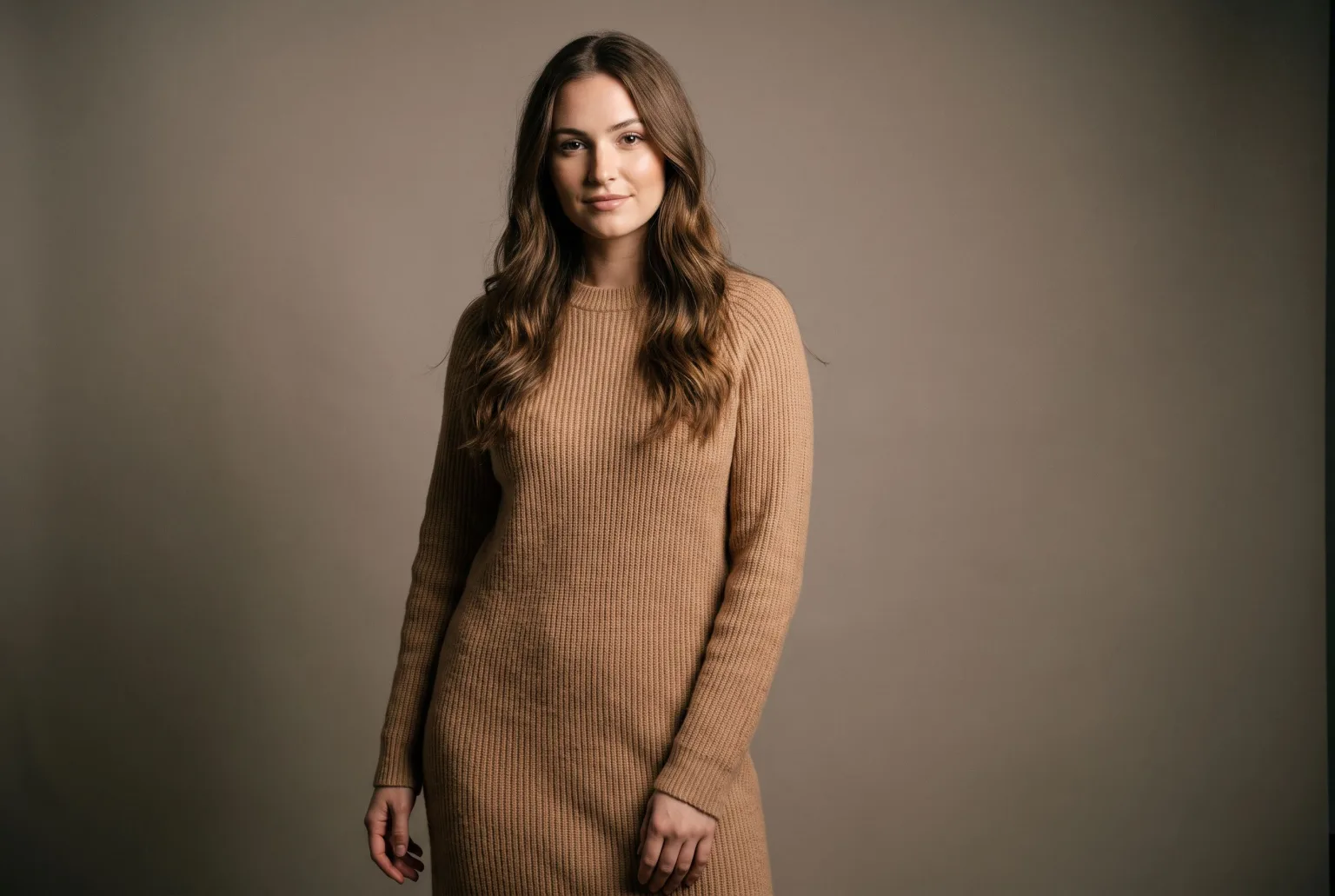
AI Fashion Models for Your Own Garments
Build a roster of reusable AI models, dress them in the garments you actually sell, and keep the same face across an entire collection, without casting, a studio, or a shoot day.
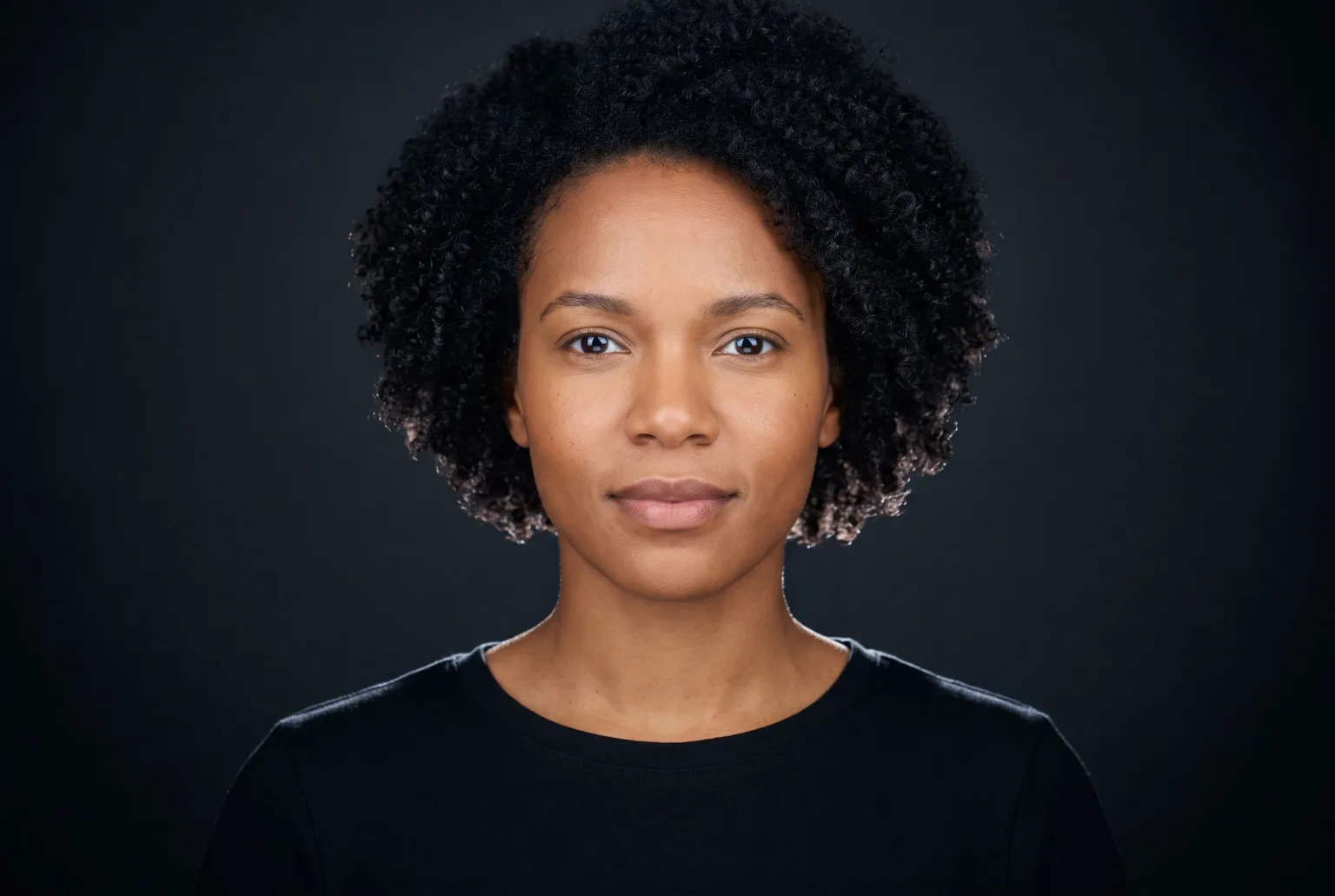
AI Model Generator
Generate a photorealistic model from structured attributes (ethnicity, body type, age, hair, expression), then save it and reuse the same identity across every shot you take.
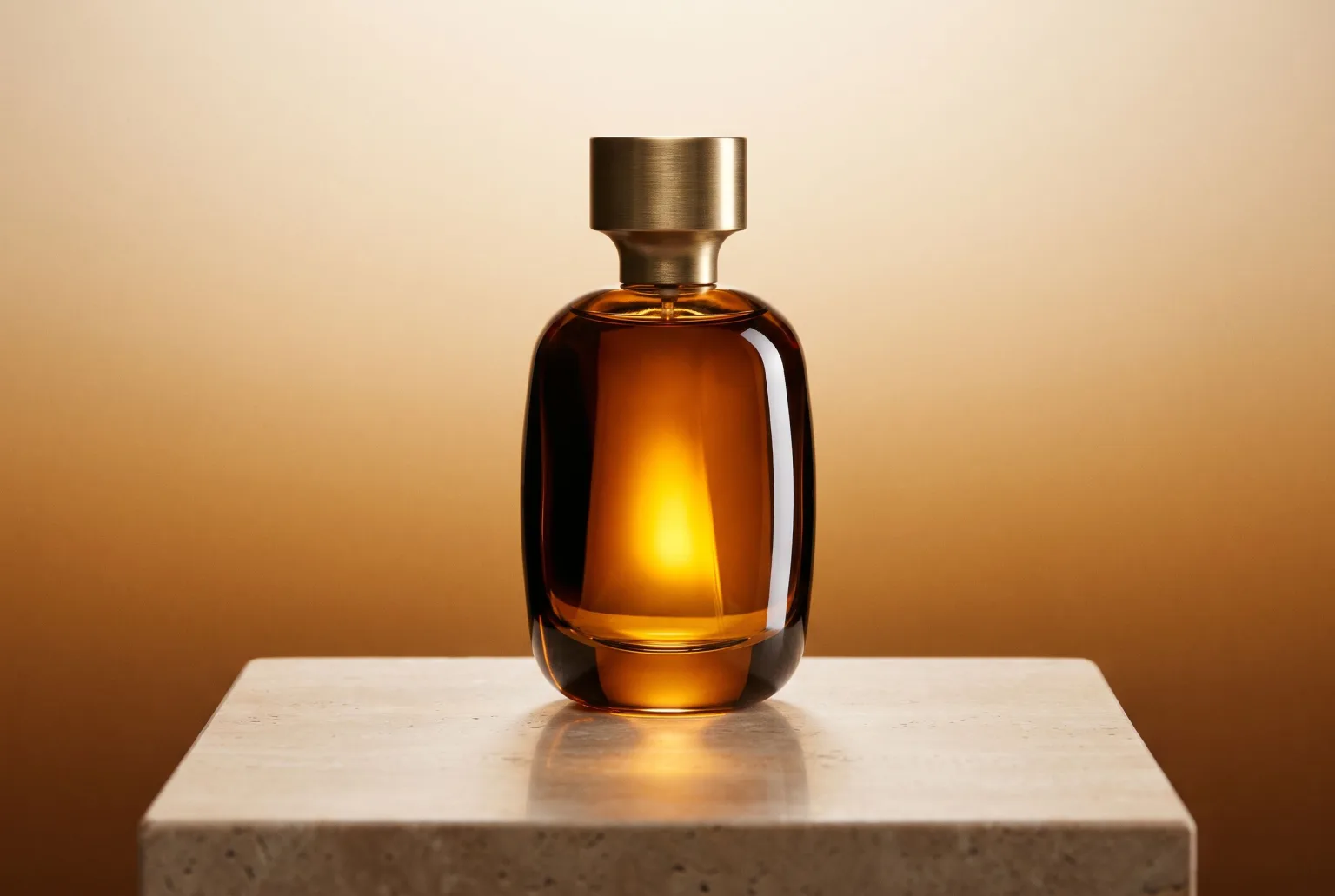
AI Product Photography
Turn ordinary catalogue and supplier photos into studio-quality product shots: composed scenes, controlled lighting, every channel crop, and content credentials when you download.
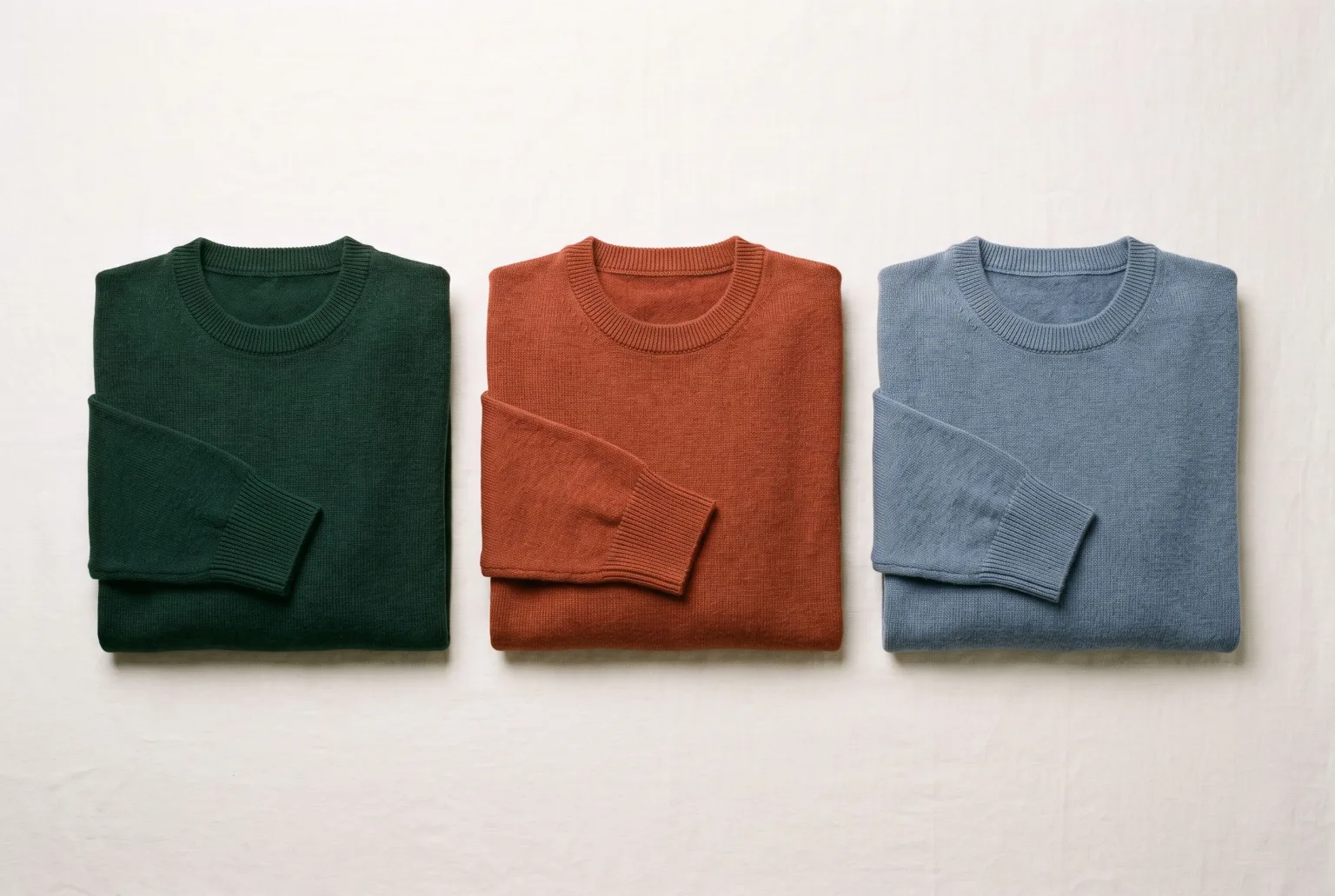
Colourways and Product Recolouring
Generate every colour variant of a garment from a single sample, recoloured to an exact hex value with the fabric texture and drape left intact.
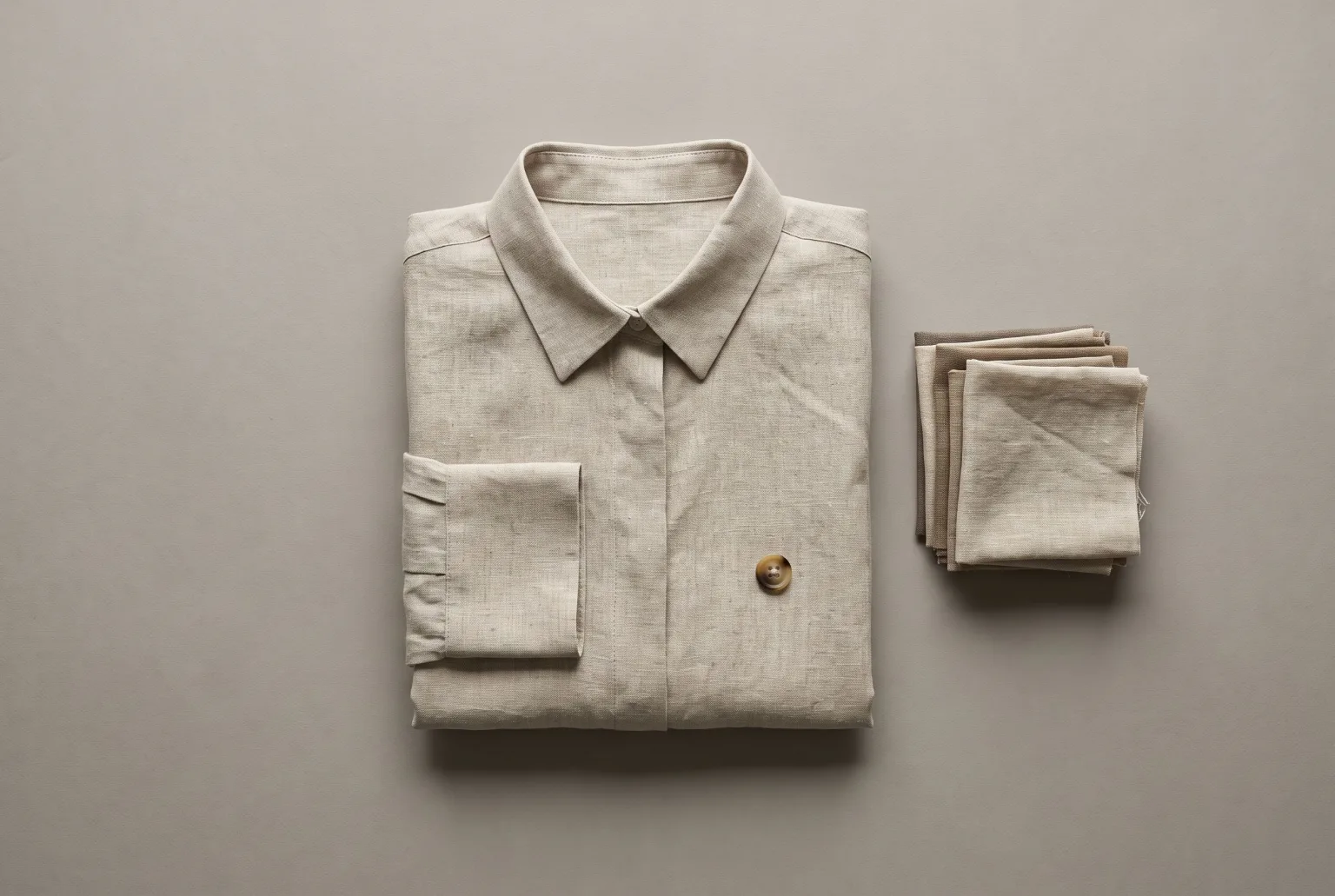
Flat Lays and Packshots
Clean catalogue packshots and overhead flat lays generated from the product images you already have: consistent lighting, consistent background, every marketplace ratio.
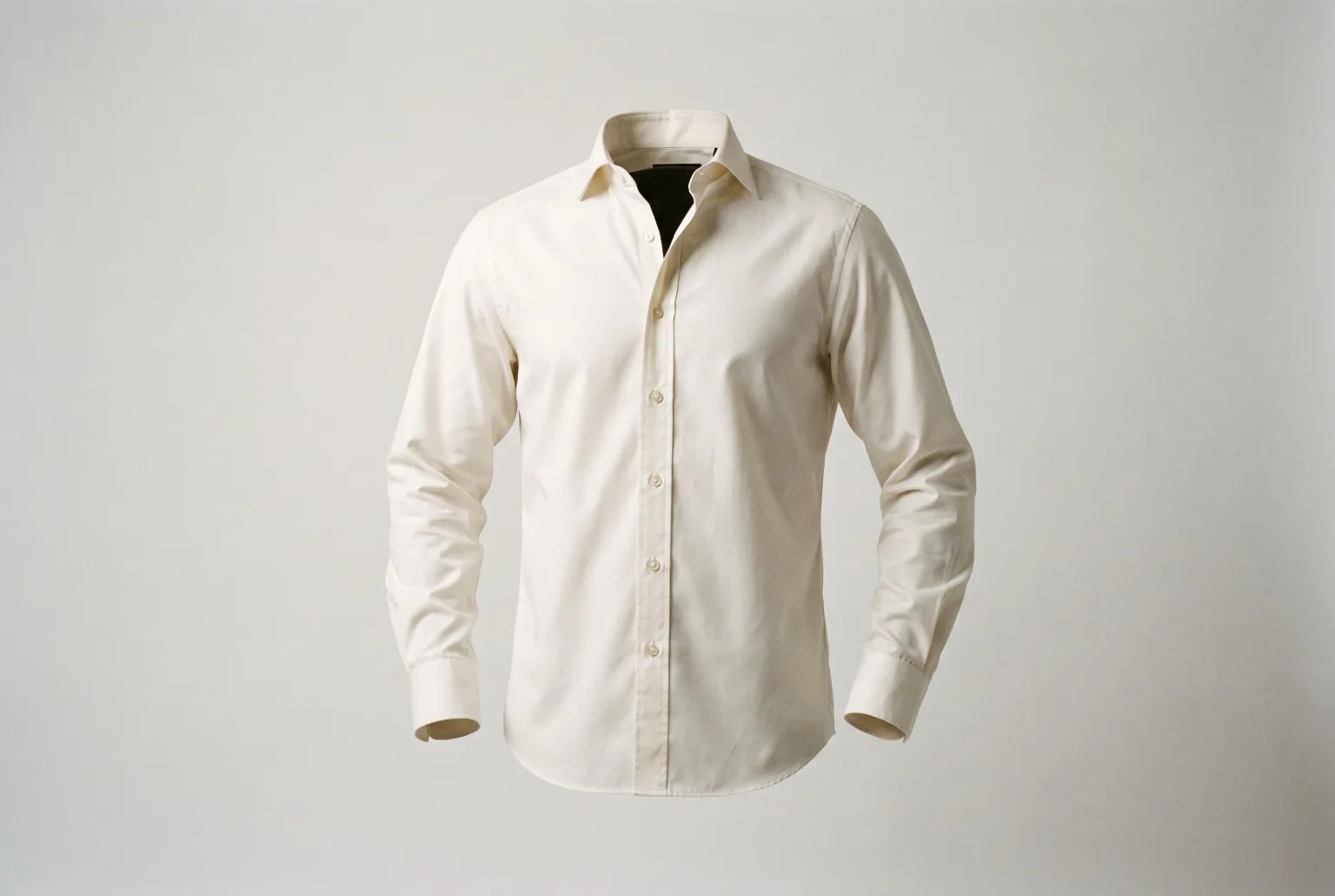
Ghost Mannequin Photography
Generate invisible-mannequin garment shots (the worn 3D shape with no body, mannequin or hanger visible) from a sketch and fabric, from photos of the garment itself, or from an outfit photo.
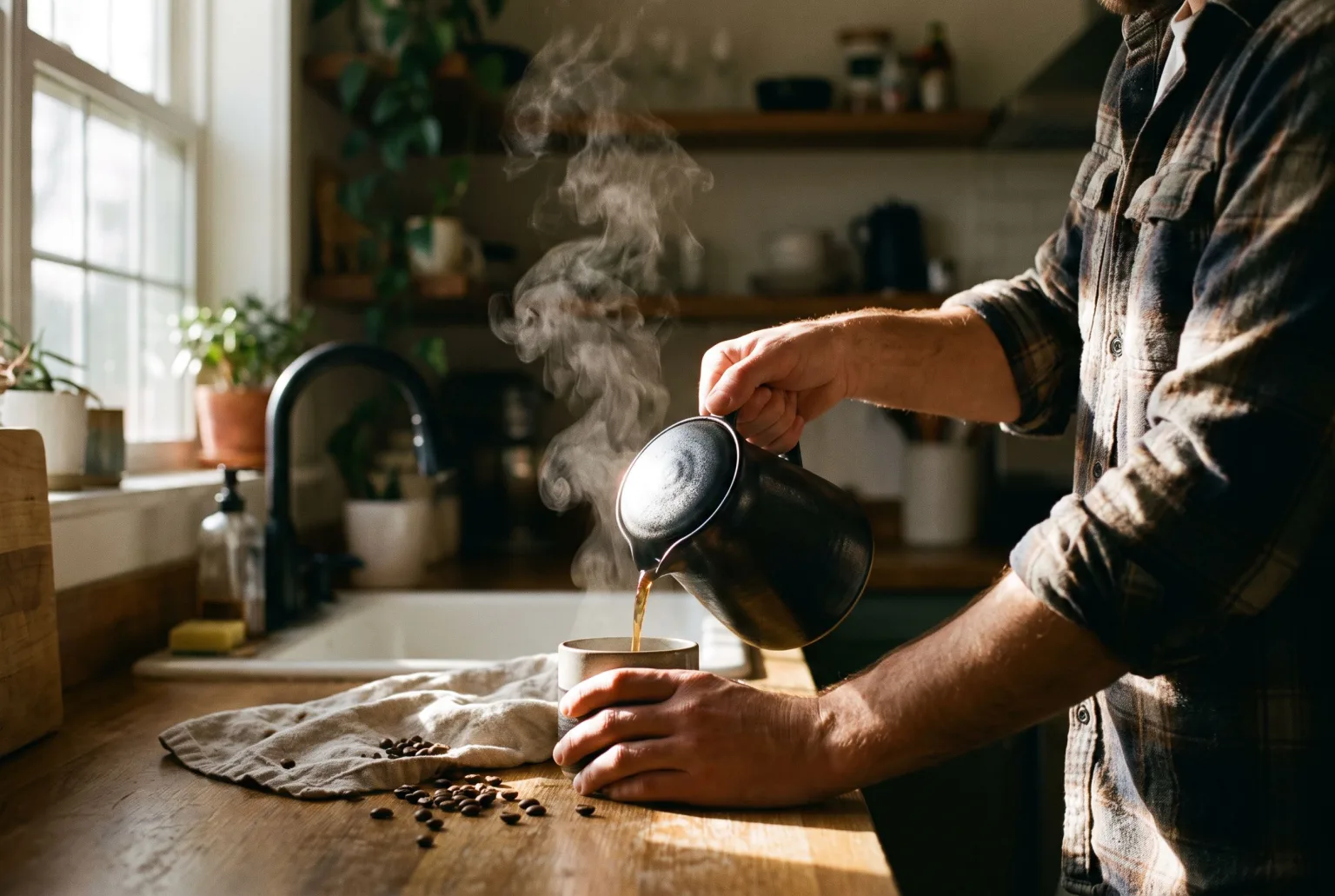
Lifestyle Product Photos
Put the product you actually sell into a real setting, in use, with people, generated from your existing catalogue images instead of booked as a location shoot.
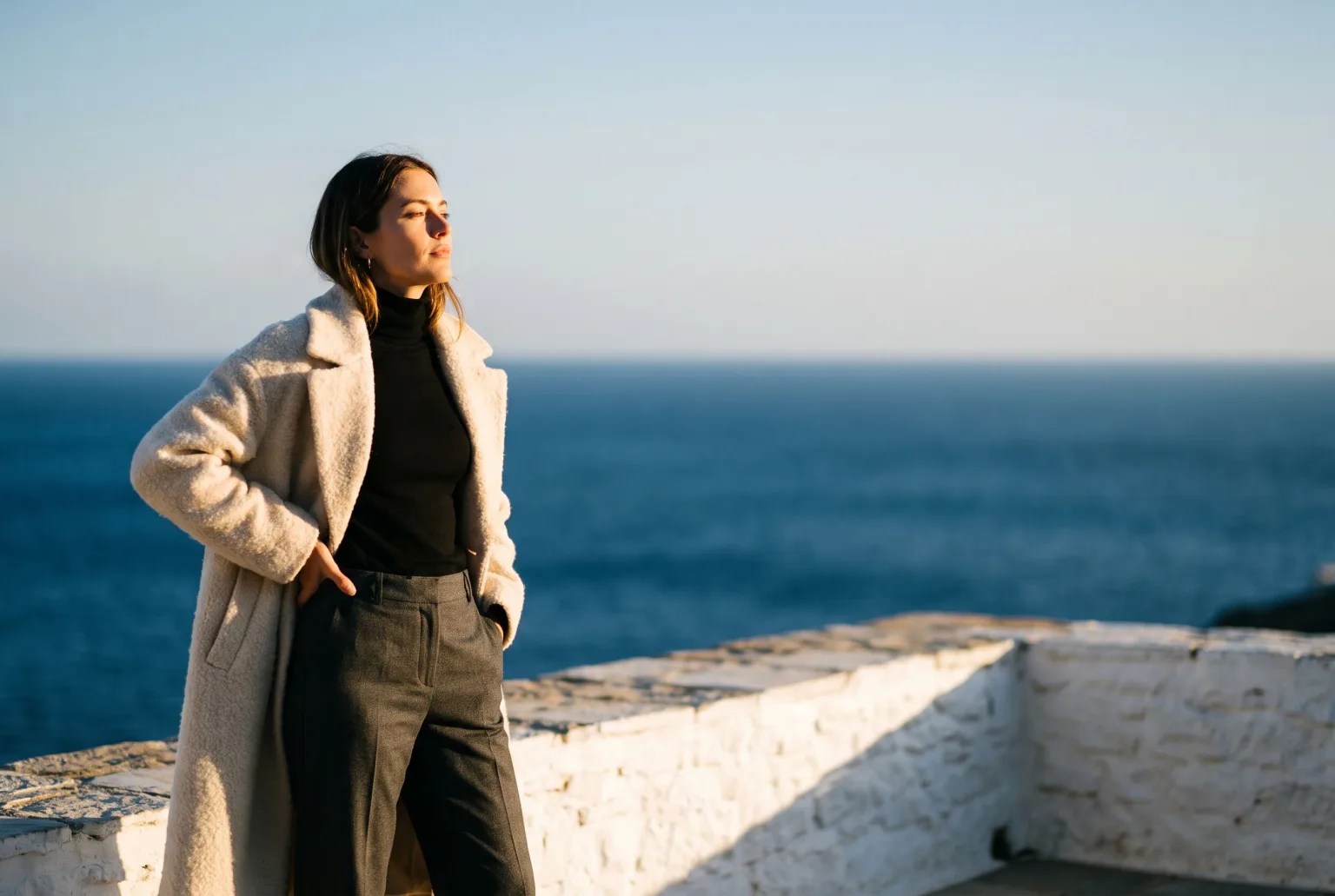
On-Model Fashion Photography Without a Shoot
Turn flat-lay and hanger shots of your garments into on-model imagery: real product, generated model, consistent identity, any environment, every aspect ratio your channels ask for.
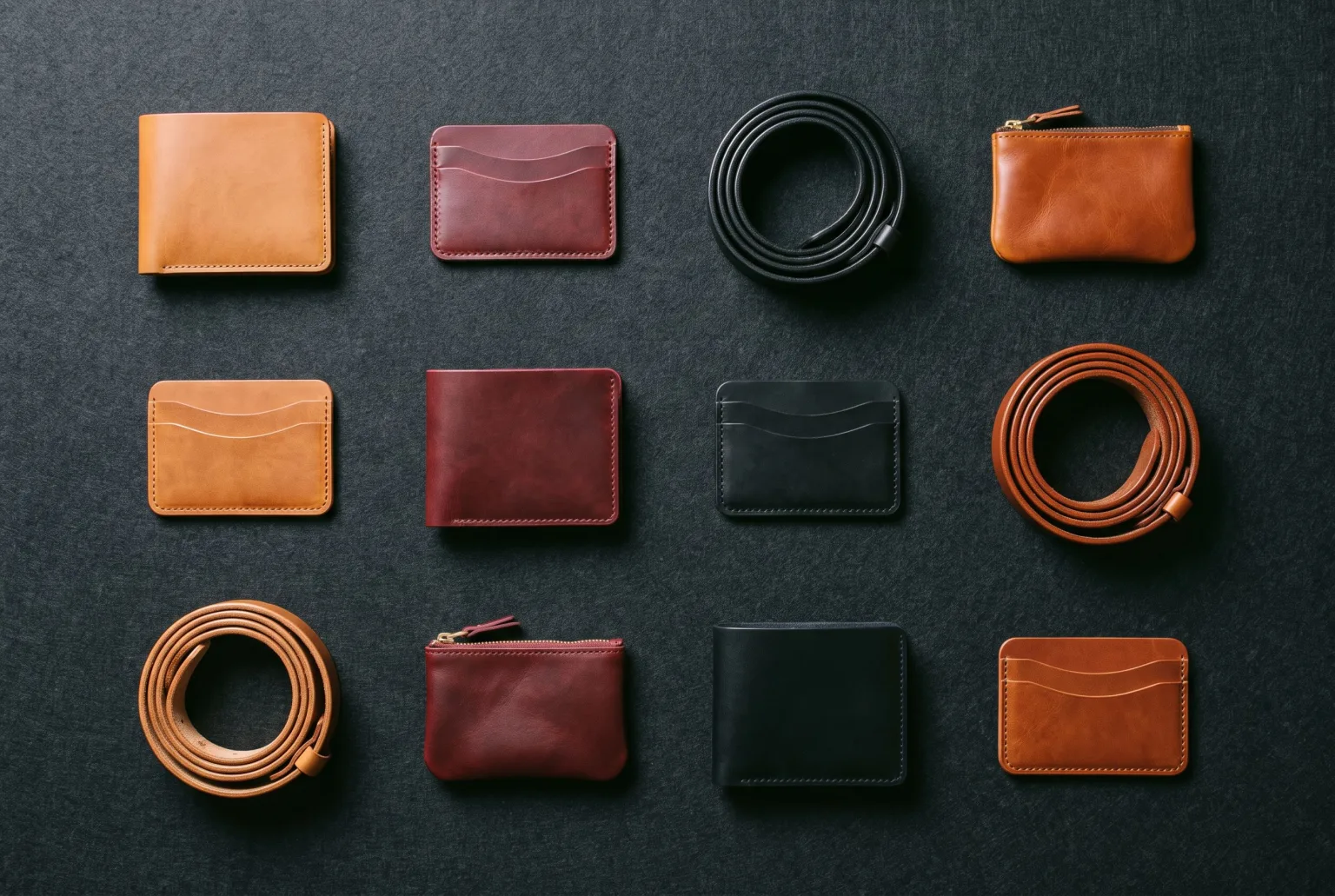
Product Imagery at Catalogue Scale
Import a catalogue by feed URL, file upload or Google Merchant Center, then upgrade imagery across thousands of SKUs, with team workspaces that keep every brand separate.
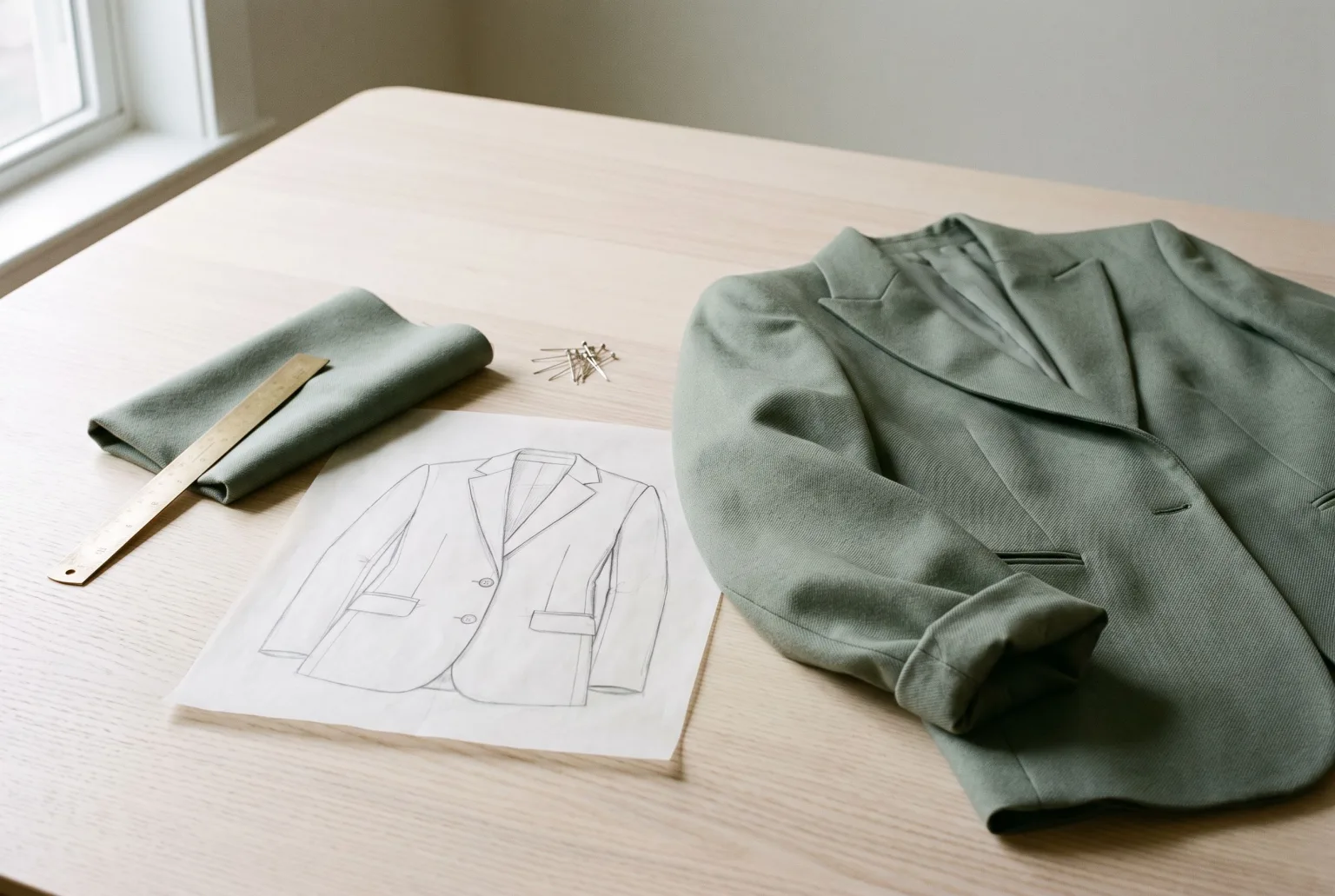
Sketch to Render: Sell Designs Before Samples Exist
Turn a garment sketch and a fabric swatch into a photorealistic product render (studio, flat lay, ghost mannequin, hanger or mannequin) weeks before the first sample is sewn.
Start generating your own product images
Bring the product photos you already have and generate your first studio-quality shots in minutes. Free plan, no credit card.
Get started free100 image credits every month, forever.