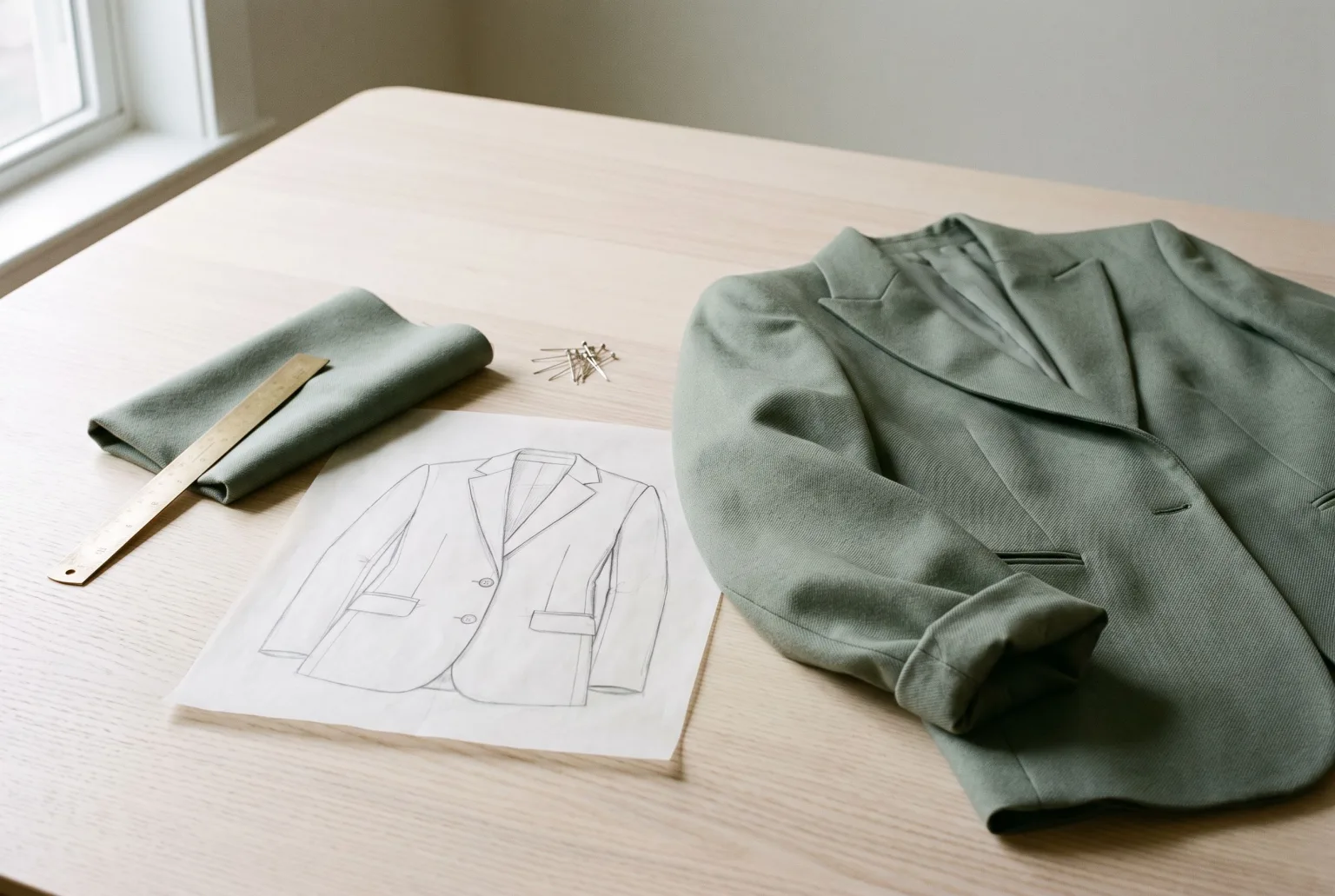
The gap between a finished design and a photographable sample is where fashion loses time. The design is done in week one. The sample lands in week eight. Everything that needs a picture (the buyer meeting, the pre-order page, the wholesale deck, the marketing plan) waits for a physical object to exist.
Materialize closes that gap. Give it a garment illustration and a fabric swatch, and it returns a photorealistic product render of that garment in that fabric.
What goes in
- Illustration: a sketch or technical drawing of the garment, showing the shape, the seams, the construction
- Fabric: a swatch of the material, its weave, its weight, its colour
What comes back is not a stylised drawing. It is a product photograph of a garment that has not been made yet, with the fabric behaving the way that fabric behaves: drape, texture, how it catches light.
Five presentations
| Presentation | What it is |
|---|---|
| Studio product | Clean catalogue shot on a neutral studio background |
| Flat shot | Garment laid flat, photographed overhead |
| Ghost mannequin | Worn 3D shape with no visible body, mannequin or hanger |
| On hanger | Hung, with natural drape |
| Mannequin | Fitted on a plain dress-form mannequin |
The same design can be rendered in all five, which is usually what a wholesale line sheet and a product page need between them.
Colourways before the dye lot
Send the render through the Colorize shot type to recolour it to an exact hex value while keeping the fabric texture and drape true to the original. A full colour range comes from one design, not one sample per colour.
That is a real cost line, not a convenience: sampling every colourway is often the largest part of a pre-season sampling budget, and most of those samples exist only to be photographed.
Where it earns its place
Buyer meetings and wholesale. Show the line as photographs rather than flats, when the line is still a spreadsheet and a set of sketches.
Pre-orders and pre-launch. Open a pre-order page before production is committed, and let demand inform the buy rather than the other way round.
Range planning. Test a shape in six fabrics and four colours in an afternoon and cut the ones that do not work before anyone cuts cloth.
Sampling decisions. Decide which designs are worth sampling by looking at renders of all of them.
From render to on-model
A Materialize render is a normal image in your gallery, which means it can become the input to a fashion shoot: dress an AI model in the garment that does not exist yet and shoot it in any environment. Sketch to campaign, before the sample ships.
Honest limits
Materialize works from what the sketch tells it. A technical illustration with clear seams, closures and proportions produces a render you can trust. A loose gesture drawing produces a plausible garment that may not match what the factory will make. It is a visualisation of your design, not a substitute for a tech pack.
Every render can be downloaded with a signed C2PA manifest and IPTC labelling declaring it AI-generated, which matters especially here, since a pre-sample render depicts a product that does not yet physically exist.
Start generating your own product images
Bring the product photos you already have and generate your first studio-quality shots in minutes. Free plan, no credit card.
Get started free100 image credits every month, forever.
Related use cases
Colourways and Product Recolouring
Generate every colour variant of a garment from a single sample, recoloured to an exact hex value with the fabric texture and drape left intact.
Ghost Mannequin Photography
Generate invisible-mannequin garment shots (the worn 3D shape with no body, mannequin or hanger visible) from a sketch and fabric, from photos of the garment itself, or from an outfit photo.
On-Model Fashion Photography Without a Shoot
Turn flat-lay and hanger shots of your garments into on-model imagery: real product, generated model, consistent identity, any environment, every aspect ratio your channels ask for.