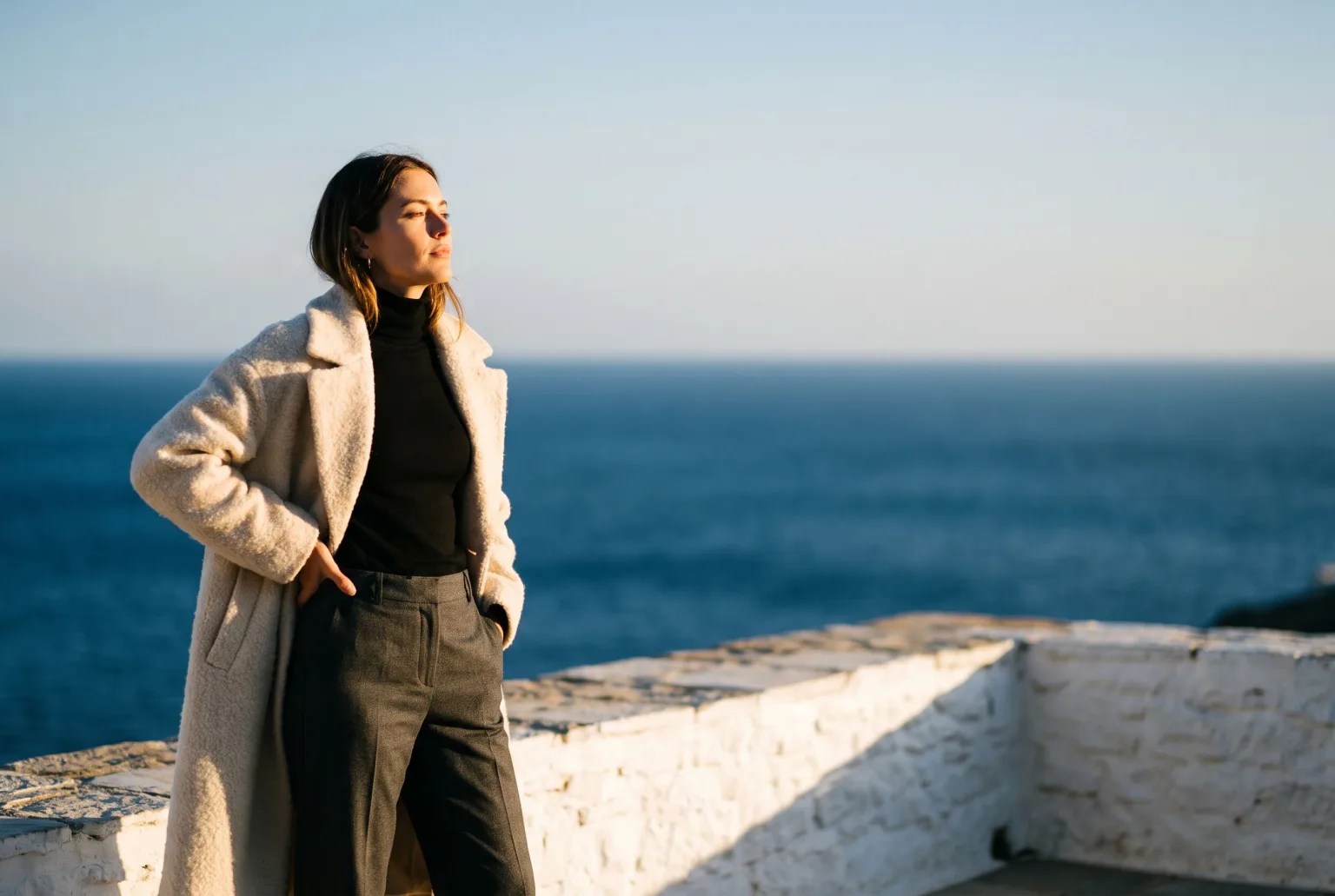
On-model images sell garments better than flat lays. Everyone knows this. The reason catalogues are still full of flat lays is that on-model photography is the single most expensive image a fashion brand produces: a model, a photographer, a studio or a location, a stylist, a day, and a schedule that has to line up before the season does.
The result is a familiar compromise. The hero pieces get shot on a model. Everything else gets a flat lay and a hopeful product description.
The shortcut that is not one
The obvious workaround, generating the whole picture with an AI image model, produces a garment that does not exist. The sweater in the render has a different collar, an invented button placket, a knit that no supplier made. It looks great and it is not your product, which makes it useless for a product page and actively risky in an ad.
The distinction that matters is whether the tool starts from your garment or from a description of it.
Starting from the garment you have
Magnifiq works from the images you already own: supplier photos, flat lays, hanger shots, whatever the catalogue holds. The garment goes onto the Fashion shoot shot type's References card, next to whatever else the look needs: hats, tops, jackets, trousers, shoes. Name each piece in a few words ("linen shirt, sleeves rolled") and the name is sent with the image, so the engine knows what it is and how to wear it.
The model wearing it is generated. The garment is not.
Keeping the same person across a collection
A model in Magnifiq is a saved entity, not a one-off render. You build it from structured attributes (body type from petite through XXL, age range from teen to senior, skin tone, hair, expression), and the builder produces a front, side and half-body view set that locks the identity.
Every subsequent shot references that view set. Twenty garments on the same model in the same light is one afternoon's work, not a booking.
Pose and scene
Fifty-four curated poses cover both standard poses (arms crossed, hands in pockets, walking toward camera, mid-stride, seated on a stool, back view) and editorial work (deep squat, head thrown back, reclining, low squat). Poses are applied as direction rather than as a reference image, so choosing a walking pose never quietly changes the body type of the model you built.
The backdrop can be an image, a flat colour, or written direction. The backdrop colour picker offers your Brand Kit colours as swatches, so a seasonal palette can be pinned to exact hex values instead of described.
Every crop your channels want
Product pages, Instagram feed, Stories, a marketplace tile and a paid banner all want different shapes. Set a focal point once and export the five channel crops (1:1, 4:5, 3:2, 9:16, 16:9) in a single zip rather than recropping by hand and hoping the model's head survives.
What to expect it to be good at
Good: garments with clear construction: knitwear, outerwear, shirting, trousers, dresses, shoes. Anything where the shape reads clearly in your input images.
Harder: very fine repeated pattern, complex transparency, and garments where the only photo you have is crumpled on a table. The input quality ceiling is real: the tool replaces lighting, styling and setting, not focus.
Disclosure
Any download can carry a signed C2PA manifest and an IPTC label declaring the image AI-generated, the machine-readable disclosure the EU AI Act requires and marketplaces increasingly check for. It is embedded in the file itself, so it survives upload and re-sharing. It is your choice per download, and the download dialog can also stamp the official EU AI label visibly in a corner of the image.
Start generating your own product images
Bring the product photos you already have and generate your first studio-quality shots in minutes. Free plan, no credit card.
Get started free100 image credits every month, forever.
Related use cases
AI Fashion Models for Your Own Garments
Build a roster of reusable AI models, dress them in the garments you actually sell, and keep the same face across an entire collection, without casting, a studio, or a shoot day.
AI Model Generator
Generate a photorealistic model from structured attributes (ethnicity, body type, age, hair, expression), then save it and reuse the same identity across every shot you take.
Ghost Mannequin Photography
Generate invisible-mannequin garment shots (the worn 3D shape with no body, mannequin or hanger visible) from a sketch and fabric, from photos of the garment itself, or from an outfit photo.