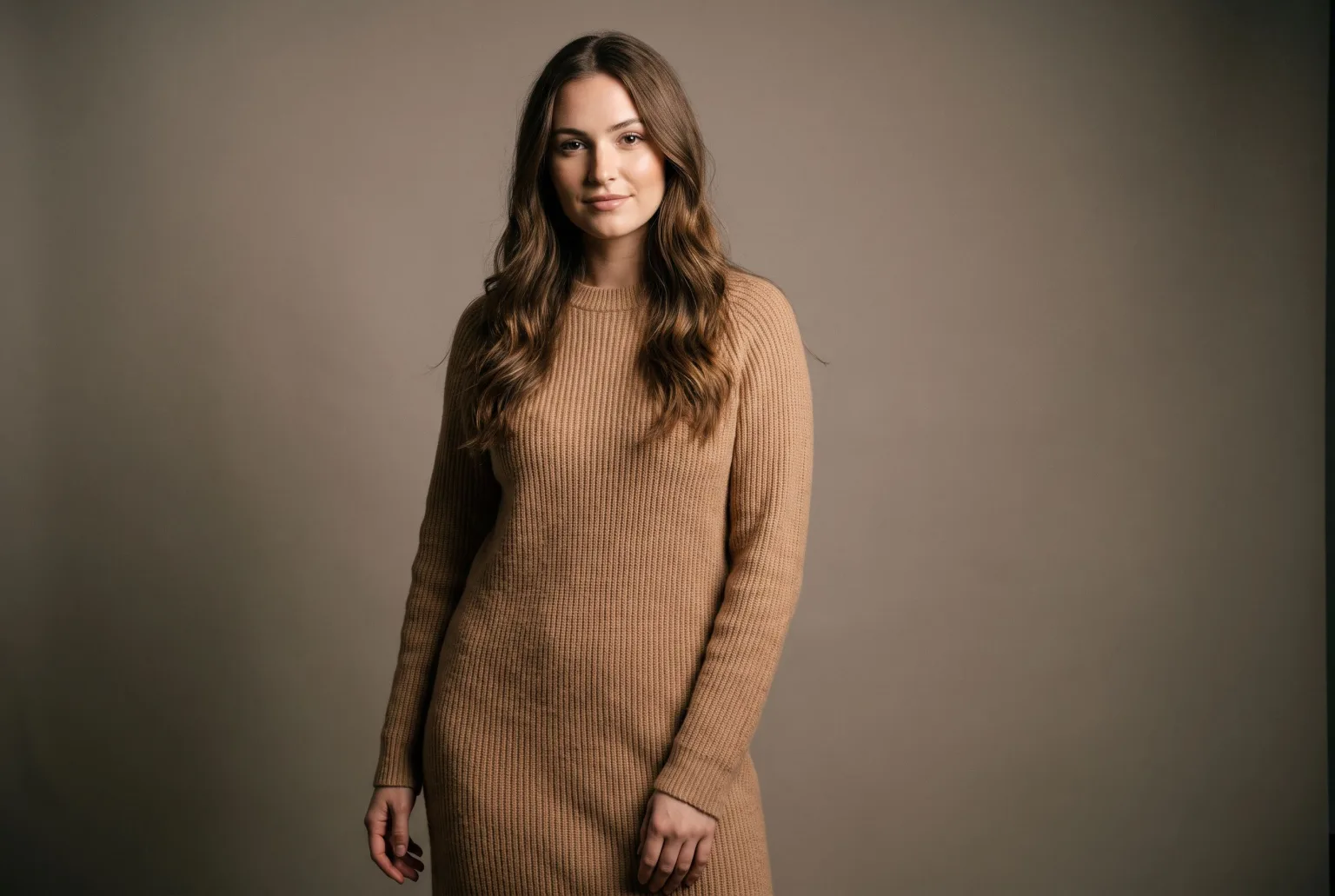
Most fashion brands do not have a model problem. They have a repeat model problem.
Booking a model is manageable once. Booking the same model again when the collection expands, when a colourway lands late, when a marketplace rejects an image and wants it reshot, when the campaign needs a vertical crop nobody took: that is where the cost sits. The photos exist, but they are frozen in the day they were taken.
AI fashion models change what that day is worth. You build a model once, and then it is available every time you need it, in any garment, any pose, any environment, with the same face and the same body.
What an AI model actually is here
Not a stock image, and not a prompt you rewrite every time. In Magnifiq an AI model is a saved entity you construct from structured attributes:
- Ethnicity, gender, age range: from teen through senior
- Body and size: petite, slim, athletic, average, curvy, muscular, plus-size, XXL
- Skin tone, hair length, hair style, hair colour
- Expression and height
You can also add up to 600 characters of free direction, or start from a photograph you already have and let the builder work outward from it.
The builder generates a portrait, you refine it with plain-language edits until it fits the brand, and it then produces a view set (front, side, half body) that locks the identity in place. That view set is what makes the model reusable: every subsequent generation references it, so shot forty looks like the same person as shot one.
Dressing the model in your garments
The Fashion shoot shot type dresses the model in the images on its References card. Add the pieces the look needs (a hat, a shirt, a jacket over it, trousers, boots), up to the image limit of the engine you render with, and give each one a short name such as "wool coat, worn open". The name is sent with the image, so the engine knows what every picture shows and how to wear it.
The pieces come from your own gallery, the garment images you imported or uploaded. Nothing is invented. The model wears the item you sell, keeping the fabric, the cut and the details of the actual product.
Posing without losing the body you built
Poses come from a curated library of 54, split into standard poses (arms crossed, hands in pockets, walking toward camera, mid-stride, seated on a stool, standing back view) and editorial ones (deep squat, head thrown back, reclining, low squat). You can also supply your own reference.
One detail matters more than it sounds: poses are passed as text direction, never as a reference image. A pose reference image drags its own body type along with it. Feed in a slim figure to get a walking pose and your plus-size model quietly becomes slim. Describing the pose instead keeps the model you built intact.
Backdrop and brand consistency
Set the scene with an image, a colour, or free-text direction. The backdrop colour picker offers your Brand Kit colours as swatches, so a backdrop can be pinned to an exact brand hex rather than described and hoped for.
Where this pays off
A collection launch. Twenty pieces on the same model in the same light, generated in an afternoon rather than scheduled around one person's calendar.
Size and fit representation. Building a second and third model at different sizes costs no more than the first. Showing a garment on more than one body stops being a budget question.
The reshoot that always comes. A marketplace rejects an image, a channel needs 9:16, a colourway ships late. The model is still there. Regenerate and move on.
Markets that need different faces. Brands selling across regions can keep a roster and use the right one per market, without flying anyone anywhere.
Disclosure when you download
When you download, you can embed a signed C2PA manifest and IPTC labels declaring the image as AI-generated. That is not decoration: the EU AI Act requires AI-generated images to be disclosed in a machine-readable format, and marketplaces are increasingly asking the same. The disclosure travels inside the file, so it survives being uploaded, downloaded and re-shared.
It is your choice per download, and the download dialog can also stamp the official EU AI label visibly in a corner of the image.
Start generating your own product images
Bring the product photos you already have and generate your first studio-quality shots in minutes. Free plan, no credit card.
Get started free100 image credits every month, forever.
Related use cases
AI Model Generator
Generate a photorealistic model from structured attributes (ethnicity, body type, age, hair, expression), then save it and reuse the same identity across every shot you take.
On-Model Fashion Photography Without a Shoot
Turn flat-lay and hanger shots of your garments into on-model imagery: real product, generated model, consistent identity, any environment, every aspect ratio your channels ask for.
Packshots From Outfit Photos
Turn one on-model or lookbook photo into a clean product image of every garment in it: studio, flat, ghost mannequin, hanger or mannequin, one packshot per piece you tick.