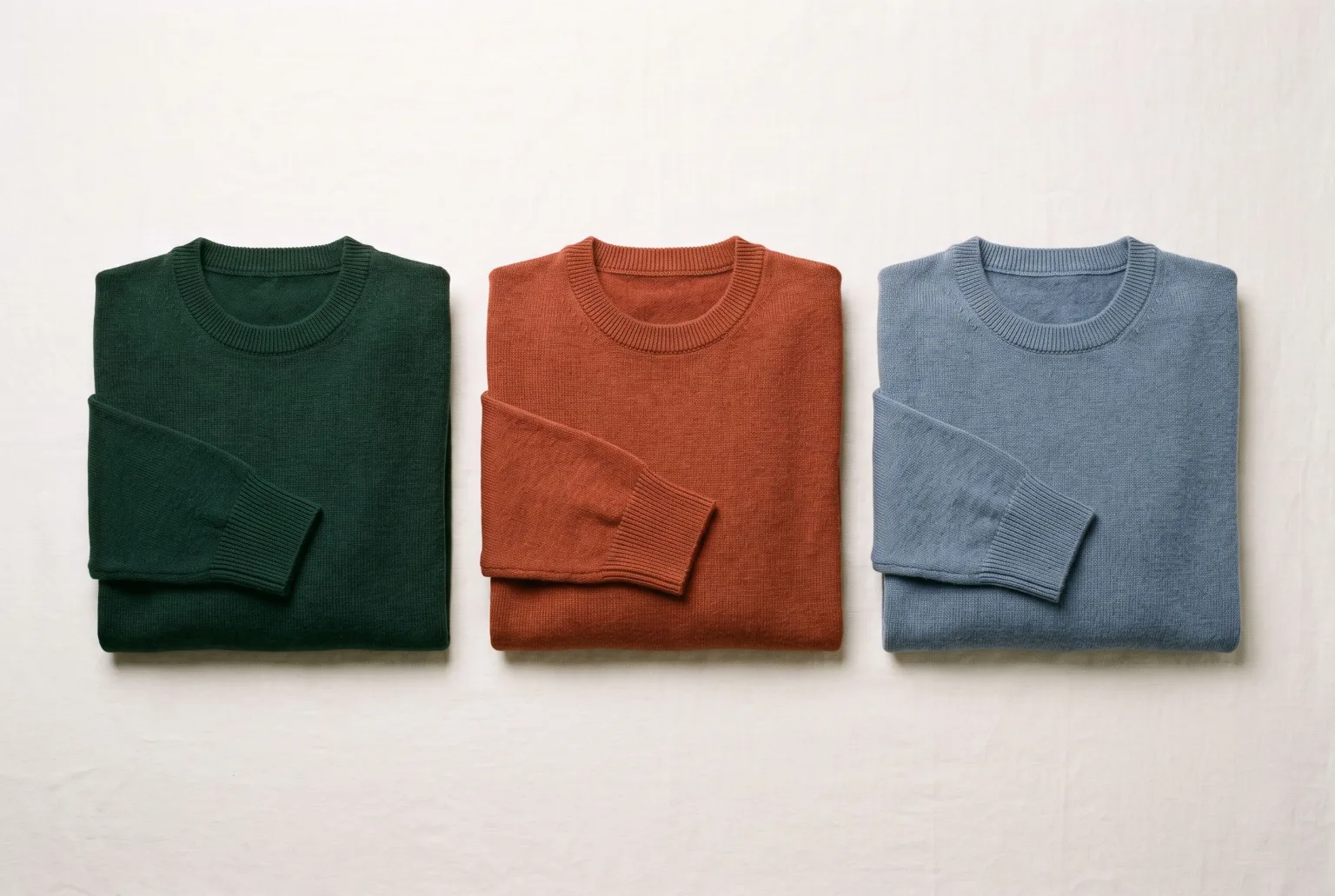
A garment in six colours is one product photograph and five expensive duplicates. The shape is identical, the styling is identical, the lighting is identical. Only the dye changes, and the industry's answer has been to sew six samples and shoot six times.
The cheap workaround is worse: hue-shifting a photo in an image editor. It moves every colour in the frame, flattens the shadows, and turns a navy knit into a smeared blue blob where the texture used to be.
Recolouring to an exact value
Magnifiq recolours a garment to a specific hex value: not "make it blue", but #1E3A8A. The fabric's texture, weave and drape survive, because the recolour is applied with an understanding of the material rather than as a global colour shift.
That precision is what makes it usable commercially. A brand's navy is a specific navy, and a product page showing an approximate one generates returns.
Brand colours where you need them
Brand Kit stores your palette, entered by hand or imported from a CSV. In the Colorize shot type those colours sit one click away in the colour picker and autocomplete in the direction field with #. A seasonal palette becomes something you select rather than something you retype and occasionally mistype.
Where the saving actually is
Sampling a colourway is not just fabric and labour. It is a lead time, a shipping leg, a photography slot, and a decision made months before the season. Most of those samples exist for one reason: someone needs a picture.
Generating the colour range instead means:
- A wider offer. Colours that could not justify a sample can now be listed.
- Later decisions. Commit to the dye lot after seeing demand, not before.
- Consistent imagery. Every colourway sits in identical light on an identical body, so the category page reads as one product rather than six shoots.
Combining it with the rest
Colorize is its own shot type in the Studio, and it works on any product photo, including renders from Materialize. Render a sketch as a studio packshot, a flat lay, a ghost mannequin or on a hanger, then recolour that render into every colour. And because the outputs land in the gallery like any other image, a recoloured garment can then be worn by an AI model in a fashion shoot.
Limits worth knowing
Solid and simple-patterned fabrics recolour cleanly. Multi-colour prints, colour-blocked construction and garments where the colour carries the design are harder: the tool has to decide which region you meant. For those, add a colour guide image that shows where each colour goes, or say it in the direction field.
Every recoloured render can be downloaded with signed C2PA content credentials and an IPTC AI-generated label, so a colourway that has never been dyed is disclosed as generated wherever the image is published.
Start generating your own product images
Bring the product photos you already have and generate your first studio-quality shots in minutes. Free plan, no credit card.
Get started free100 image credits every month, forever.
Related use cases
Ghost Mannequin Photography
Generate invisible-mannequin garment shots (the worn 3D shape with no body, mannequin or hanger visible) from a sketch and fabric, from photos of the garment itself, or from an outfit photo.
Sketch to Render: Sell Designs Before Samples Exist
Turn a garment sketch and a fabric swatch into a photorealistic product render (studio, flat lay, ghost mannequin, hanger or mannequin) weeks before the first sample is sewn.
Packshots From Outfit Photos
Turn one on-model or lookbook photo into a clean product image of every garment in it: studio, flat, ghost mannequin, hanger or mannequin, one packshot per piece you tick.