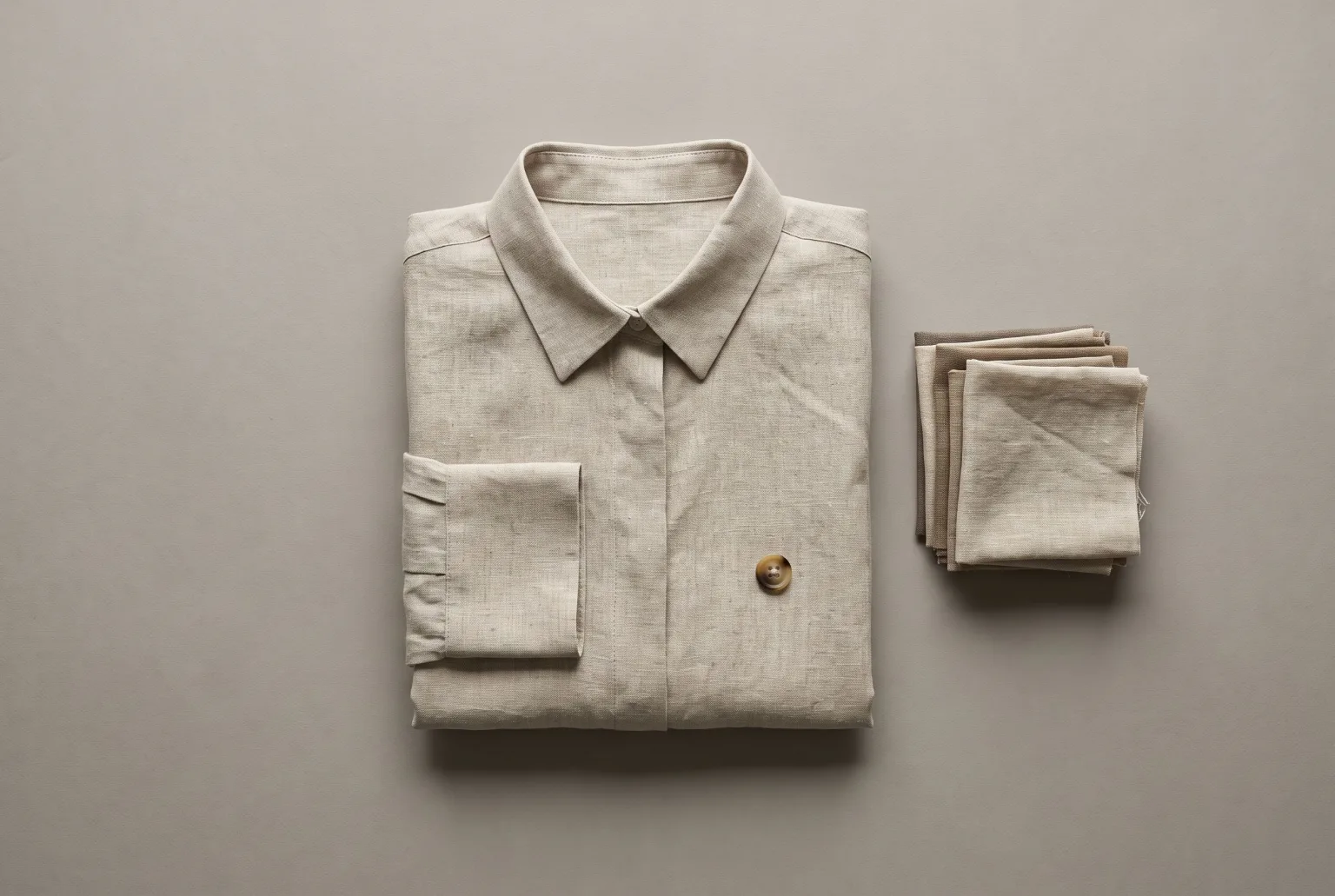
The packshot is the least glamorous image in a catalogue and the one that has to be right. It is what marketplaces validate, what the category grid shows, and what a customer zooms into before buying.
It is also where inconsistency shows first. A hundred products photographed across three suppliers and two years produces a grid where the backgrounds are subtly different greys, the shadows fall in different directions, and the products sit at different sizes in frame. Individually each image is fine. Together they look like a marketplace, not a brand.
Making a catalogue look like one catalogue
Generating packshots from your existing images fixes consistency by construction. The same setup (surface, light, shadow, framing) is applied to every product, whatever its source photo looked like.
For garments, two of the presentations in Materialize and Extract outfit cover most of it:
- Studio product: clean catalogue shot on a neutral studio background
- Flat shot: garment laid flat, photographed overhead
Only have the garments on a person? Extract outfit reads an outfit photo, lists the pieces it can see, and returns one clean packshot per garment you tick.
For non-apparel, the overhead flat lay template handles top-down styling on a matte surface with minimal props, and colour block puts a product against one saturated colour with a single hard shadow.
Background removal, when the channel wants it
Some marketplaces want pure white. Some want transparent PNG. The Editor removes backgrounds to transparent, so the same generation serves both without a second shoot.
Every ratio marketplaces ask for
Marketplace image requirements rarely agree with each other. Set a focal point once and export the five channel crops in a single zip: square for grids, 4:5 for feeds, 3:2 for product pages, 9:16 for stories and 16:9 for banners. The engine's own aspect ratios (up to 10) can also be chosen at generation time.
Because the focal point is set rather than guessed, the product stays centred and correctly sized in every crop rather than getting clipped at the edges.
Scale
Packshots are the shot type most likely to be needed in bulk. Import a catalogue by feed URL, CSV or XML upload, or Google Merchant Center connection, and work from the imported product images directly. Catalogues group feeds per market so one SKU carries all its localised variants.
What a good input looks like
The product needs to be in focus and fully visible. Lighting, background and surface get replaced; sharpness and occlusion do not. A flat supplier photo on a cluttered desk is a fine input as long as the product itself is crisp and unobstructed.
Disclosure
Packshots are the images most likely to be checked by a marketplace, so it matters that disclosure is one choice away. Any download can carry a signed C2PA manifest and an IPTC DigitalSourceType label declaring the image AI-generated, or go out as a clean file if a channel needs one. You decide per download.
Start generating your own product images
Bring the product photos you already have and generate your first studio-quality shots in minutes. Free plan, no credit card.
Get started free100 image credits every month, forever.
Related use cases
Packshots From Outfit Photos
Turn one on-model or lookbook photo into a clean product image of every garment in it: studio, flat, ghost mannequin, hanger or mannequin, one packshot per piece you tick.
Ghost Mannequin Photography
Generate invisible-mannequin garment shots (the worn 3D shape with no body, mannequin or hanger visible) from a sketch and fabric, from photos of the garment itself, or from an outfit photo.
Product Imagery at Catalogue Scale
Import a catalogue by feed URL, file upload or Google Merchant Center, then upgrade imagery across thousands of SKUs, with team workspaces that keep every brand separate.