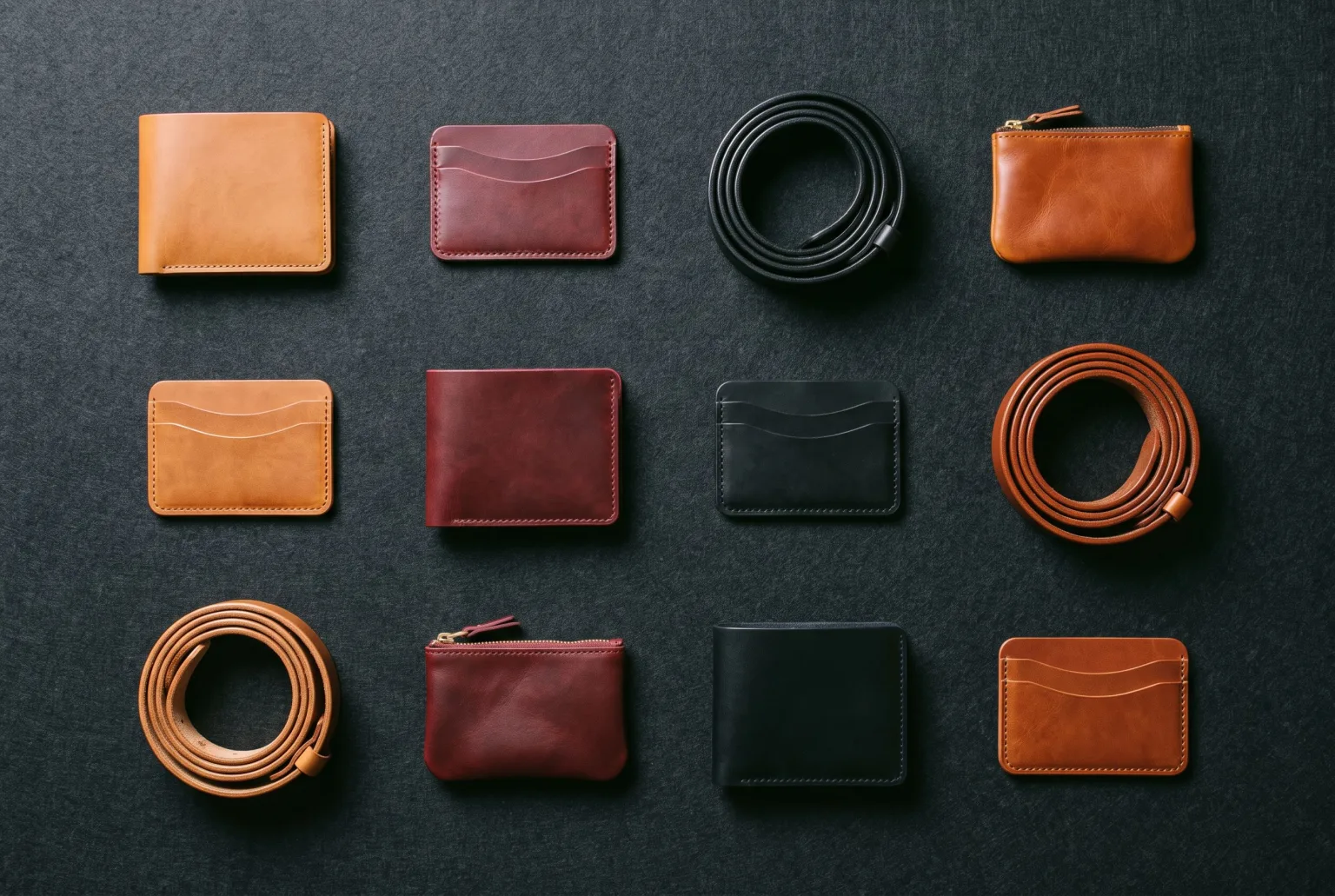
Generating one good product image is a creative problem. Generating ten thousand is a logistics problem: getting the products in, keeping track of which ones are done, keeping brands apart, and keeping a shared team working from the same library.
Getting products in
Three routes, no integration work:
- Feed URL: paste a link to an XML or CSV product feed
- File upload: drop an XML or CSV file directly, up to 20 MB
- Google Merchant Center: connect over OAuth and pull the catalogue
XML support covers RSS, Atom and the Google Merchant g: namespace. Columns are auto-detected where they can be, and anything unusual can be mapped by hand during import. SKU and title are the only required fields.
Multi-market catalogues
Group feeds into a catalogue per market and the same SKU is connected across every language feed, so one product carries all its localised variants rather than appearing as five unrelated rows.
Keeping thousands of images findable
Everything generated lands in a shared team gallery: searchable by label, description or the prompt that produced it, organised into folders, and reusable as input for the next generation. At catalogue scale the library is the product. An image you cannot find again is an image you will regenerate and pay for twice.
Agencies and multiple brands
Each brand gets its own company workspace. Products, AI models, brand colours and generated images stay cleanly separated per client, while one login moves between them. A model built for one brand does not leak into another's library, and neither do the images.
Consistency across a long tail
The two things that make a large catalogue look coherent are the same setup applied everywhere and a house style that is easy to reuse:
- Templates bake a full setup (prompt, composition, aspect ratio, quality tier) into one click
- Share with team turns your own configured workspace into a team template, so everyone starts from the same house style rather than approximating it
- Brand Kit pins colours to exact hex values, autocompletable inside prompts
Cost control
Credits are consumed per generation, priced by engine and quality. On the default engine a draft costs 2 credits, standard 8 and high 20, so the 2,750-credit Pro plan is good for roughly 135 high-quality images, or more than 300 at standard.
At catalogue scale the practical pattern is to iterate at draft quality until the look is right, then regenerate the approved setup at standard or high. Getting the template right once and applying it broadly costs far less than exploring on every SKU.
Disclosure at scale
Downloads can carry a signed C2PA manifest and IPTC AI-generated labelling, which is the part that matters when you are publishing thousands of images into channels that increasingly check for it. Pick it in the download dialog and it is written into every file you export, including each crop in a channel zip.
Start generating your own product images
Bring the product photos you already have and generate your first studio-quality shots in minutes. Free plan, no credit card.
Get started free100 image credits every month, forever.
Related use cases
AI Product Photography
Turn ordinary catalogue and supplier photos into studio-quality product shots: composed scenes, controlled lighting, every channel crop, and content credentials when you download.
Flat Lays and Packshots
Clean catalogue packshots and overhead flat lays generated from the product images you already have: consistent lighting, consistent background, every marketplace ratio.
Packshots From Outfit Photos
Turn one on-model or lookbook photo into a clean product image of every garment in it: studio, flat, ghost mannequin, hanger or mannequin, one packshot per piece you tick.